
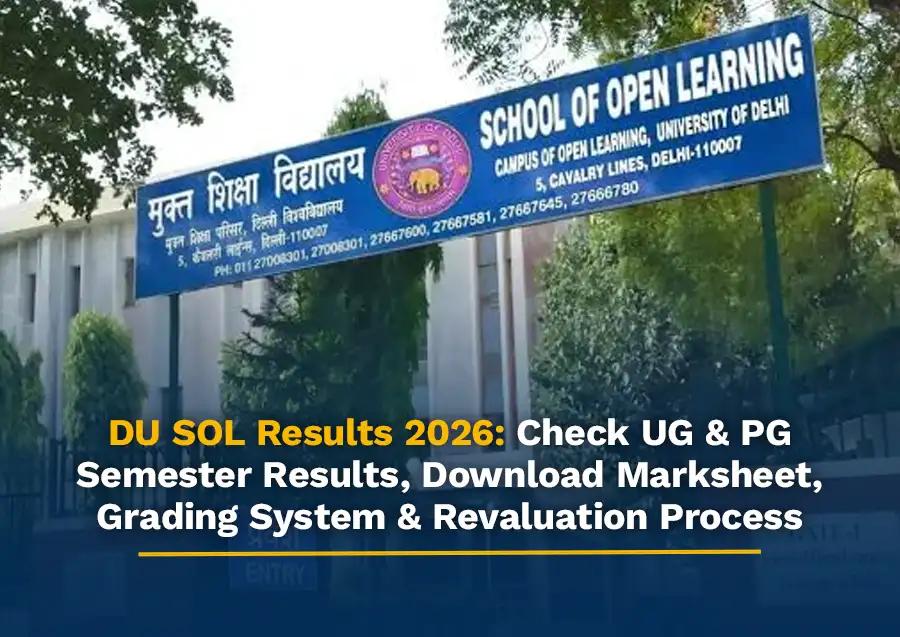
DU SOL announces the results online every year on its official website at sol.du.ac.in. The DU SOL results determine whether you pass and move to the next step or not. To check out your results of DU SOL and download the PDF, you would need your SOL roll number, examination roll number, session, year, date of birth, and the course name. The university has a simple process to access the exam results or mark sheet instantly without waiting for your results through post.
DU SOL Results 2026 Key Details
The SOL DU results shall help you in assessing your performance and finding the areas for improvement. The results play a key role and help you stay motivated. Here are the DU SOL results 2026 important details:
| Particulars | Information |
| Institute | School of Open Learning, University of Delhi |
| Courses Covered | UG and PG |
| Examinations | Semester-Wise |
| Result Date | Announced a few weeks after the examination |
| How to Check the Result | Input roll number, course, semester, and date of birth |
| DU SOL Official website | sol.du.ac.in |
What Details do you Need to Check DU SOL Results?
To check your DU SOL results, you would need a few details handy for a seamless check. Here is the list; check it out:
- Roll Number
- Enrollment Number
- Semester or Exam Session
- Date of Birth
- Course Name
How to Check DU SOL Exam Results Online?
Results are one of the most awaited moments for all. All the results of SOL UG and PG courses come under the examination wing of the university. This means that to check your DU SOL results, you need to open the examination portal and then locate the SOL results section. Here is the step-by-step process to check your DU SOL results:
Step 1: Open the DU examination wing or the DU SOL official website.
Step 2: Locate the results section and click on it.
Step 3: Enter the required details like college name, exam session, roll numbers, and date of birth.
Step 4: Enter the captcha code and click on submit.
Step 5: Your result page will open up.
Step 6: Download your DU SOL results 2026 PDF for future reference
Note: In case your result falls under the category of RA(result awaited)/AB(Absent), you may contact the Principal of the concerned College/Department/Centers within 10 days of declaration of the result.
What Details are Available on DU SOL Results Online?
Your online and distance education DU SOL result consists of many details, and some of them are as follows:
- Name
- Exam Roll Number and Roll Number
- Enrollment ID
- Programme Code
- Course Name
- Semester
- Theory Marks
- Practical Marks
- Status
DU SOL Grading and Marking Scheme
University of Delhi SOL follows a different marking and grading system for its UG and PG courses. Depending on the course you are in, your result will be determined accordingly. Learning about it will also help you understand your results in detail.
SOL UG Grading and Marking Scheme
For UG courses, a 10-point system is followed by the university.
| Letter Grade | Grade Point |
| O (Outstanding) | 10 |
| A+ (Excellent) | 9 |
| A (Very Good) | 8 |
| B+ (Good) | 7 |
| B (Above Average) | 6 |
| C (Average) | 5 |
| P (Pass) | 4 |
| F (Fail) | 0 |
| Ab (Absent) | 0 |
SOL PG Grading and Marking Scheme
| Division Criteria | Division |
| 60% or more | First Division |
| 50% or more but less than 60% | Second Division |
| 40% or more but less than 50% | Third Division |
DU SOL Rechecking and Revaluation of Results
In case you would like to get your results reevaluated, the university offers the option. You can get your SOL results rechecked within two weeks from the date of declaration of the results. Let’s take note of the DU SOL rechecking and revaluation rules.
Rules for Rechecking of Results
- You must apply for rechecking within the first 15 days from the date of announcement of the results. Any application received later than 15 days will not be accepted on the website.
- Only theory-based papers are permitted for rechecking
- The rechecking fee is INR 1,000 per paper and can be paid online.
- The application form is accepted for rechecking of results provisionally, subject to the particulars being found correct after scrutiny. You must submit a photocopy of your admission ticket while submitting the application for rechecking.
Rules for Revaluation of Results
- You can only apply for the revaluation of theory papers of non-professional courses.
- Please note that you can only apply for revaluation once; there is no second application for additional papers.
- Revaluation is to be applied for within 15 Days of the date of uploading of the result on the University website.
- You are required to produce a photocopy of your current Admission Ticket and/or statement of marks for verification of Roll No., marks, etc. at the time of submission of the application form for revaluation.
Conclusion
The SOL DU results are declared online. The process to check the results is simple and very easy. All you need is the right enrollment number, roll number, semester, and your course name, and you are good to go. Follow the five steps mentioned above to view your DU SOL results online. To better understand your results, also look at the SOL marking system as well.
FAQ’s
The School of Open Learning announces results semester-wise. The university releases the results depending on the course examination and session. You can check the latest updates on the DU SOL official website.
Here is the step-by-step process to check the SOL result 2026:
Open the official SOL DU website or the DU examination portal
Navigate to the result section
Select the institute
Put the exam session and other essential credentials
Enter your exam roll number and the date of birth
Enter the captcha and submit.
View and download your results
Typically, DU SOL announces the results a few weeks after the completion of the examinations. Sometimes it might take a little longer. But you don’t have to worry, as the university shall keep you updated through regular notifications.
The minimum aggregate required to pass in DU SOL is 40%. This means that the overall percentage including both theory, practical, and internal marks should reach a total of 40%
You can check out the SOL results online at the official website or the examination portal.

